Staff Answer
Sep 30, 2026 - 09:13 AM
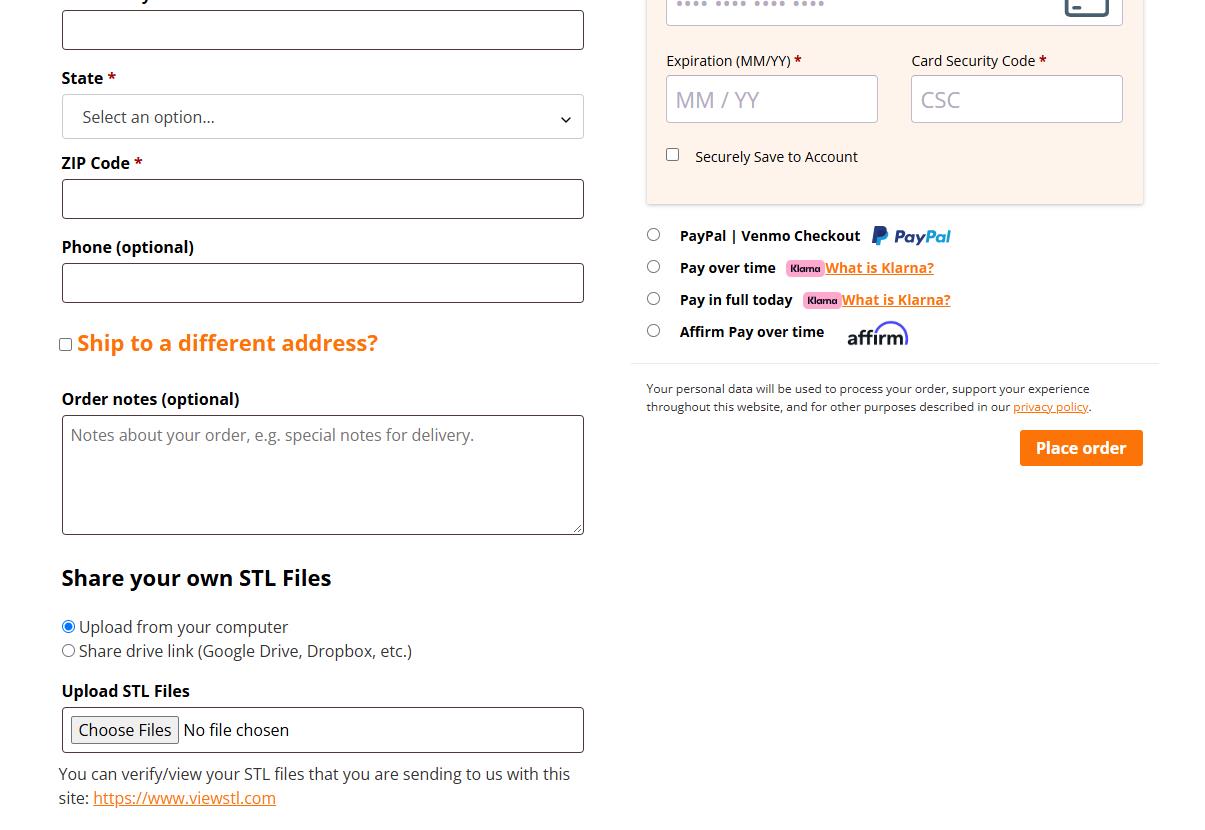
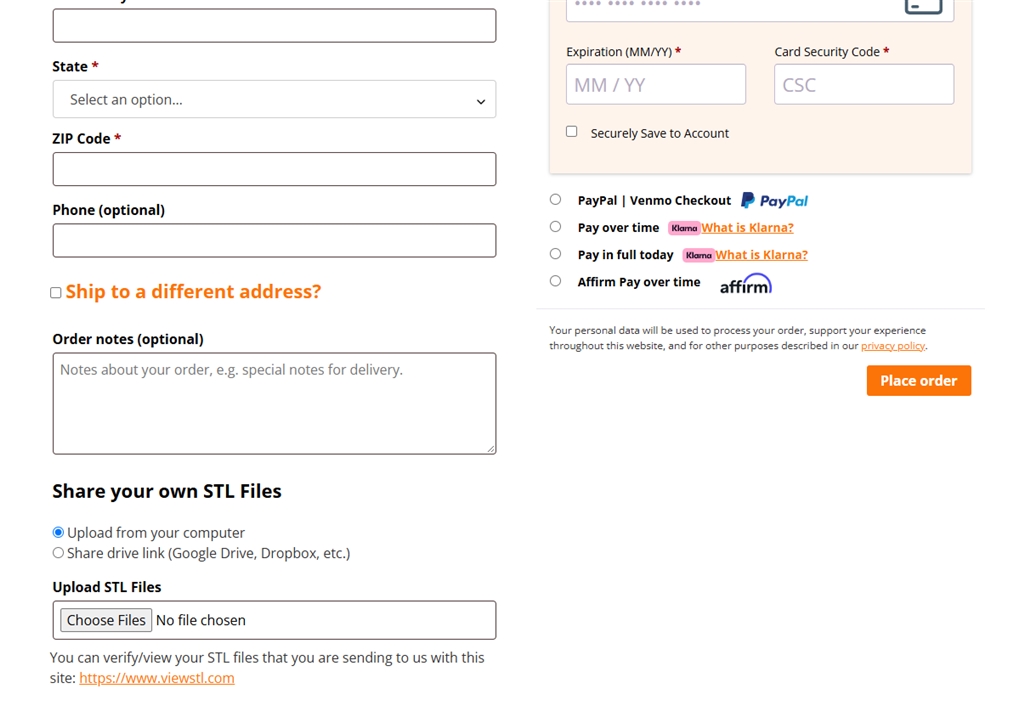
To upload your STL files you you can upload them in 2 different spots. Method 1: You can upload your scans at the bottom of the checkout page on the website (picture below).
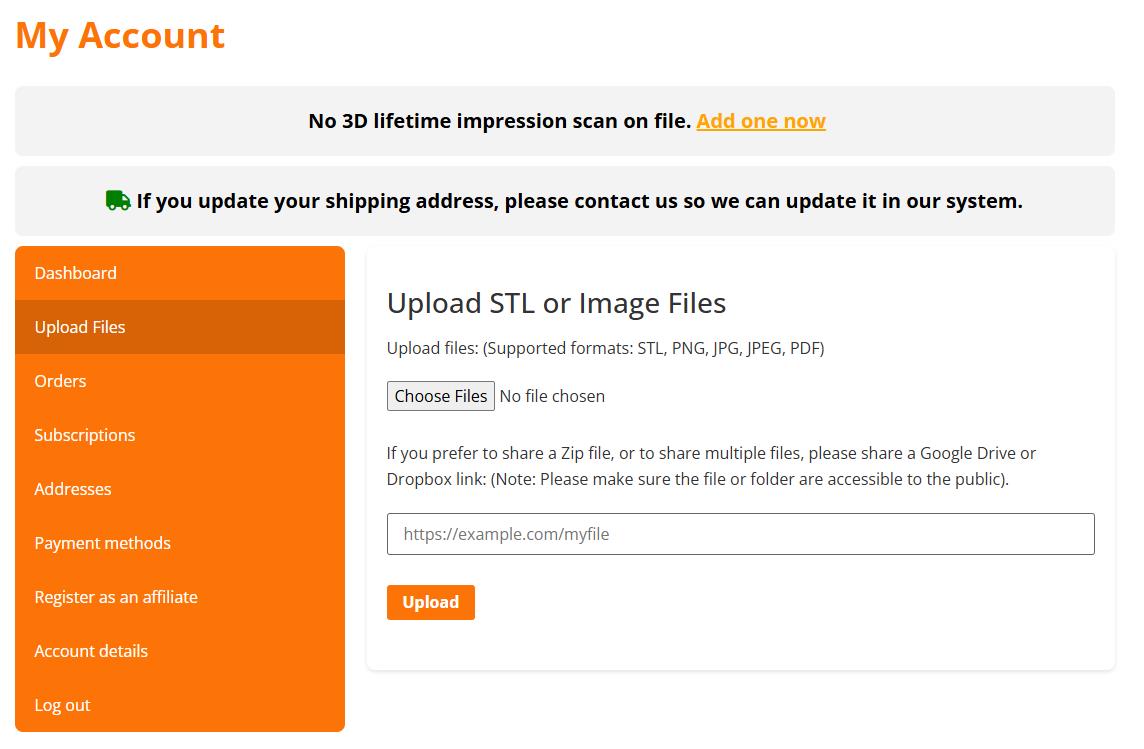
Method 2: You can upload your files in your account once you log in to your account you can select "Upload Files" and then select and you will be able to upload them.
To ensure that your files are correct to upload you can test them out on our retainer from STL file page or the STL file add-on page and upload them before purchasing to ensure they work.
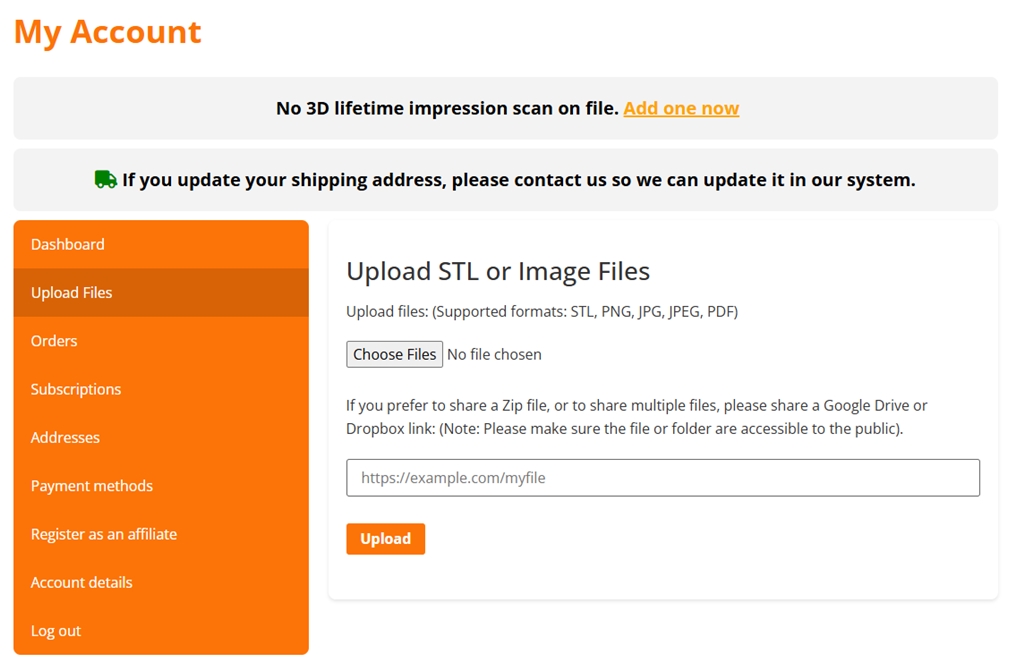
Method 2: You can upload your files in your account once you log in to your account you can select "Upload Files" and then select and you will be able to upload them.
To ensure that your files are correct to upload you can test them out on our retainer from STL file page or the STL file add-on page and upload them before purchasing to ensure they work.